Private demos for record labels

Ten steps from demo to delivered release.

CrateSphere is one clear path from submission to delivery, built for the operational reality of record labels, from independent imprints to established catalogues. Submissions, agreements, projects, compilations, mastering, studio, metadata, distribution, review, remix: the same numbered route for every release, so nothing waits on somebody remembering what comes next.

cratesphere.org is this site. Your installation runs on a domain you choose and control, so there is no shared address to sign in to.

Release path

GPR013 / Icosagon: Volume Two
50%complete
  1. 1.Submissions
  2. 2.Agreements
  3. 3.Projects
  4. 4.Compilations
  5. 5.Mastering
  6. 6.StudioCurrent step
  7. 7.Metadata
  8. 8.Distribution
  9. 9.Review
  10. 10.Remix
Next actionChoose preferred masterView 2 blockers
An illustration of the portal's release-path strip, drawn with its own wording and this skin's palette. Screenshots further down are the real interface.
Preview a real skin pack

Four of the nine packs shipped in the portal, in the light and dark forms each one carries. Your choice is remembered for this device.

Before step one

Turn whatever arrives into a usable submission.

One route in, and it refuses the wrong things

Artists will do things their own way. CrateSphere gives them one place to send what your label actually needs, not a new cloud link, a streaming playlist or an unsupported MP3.

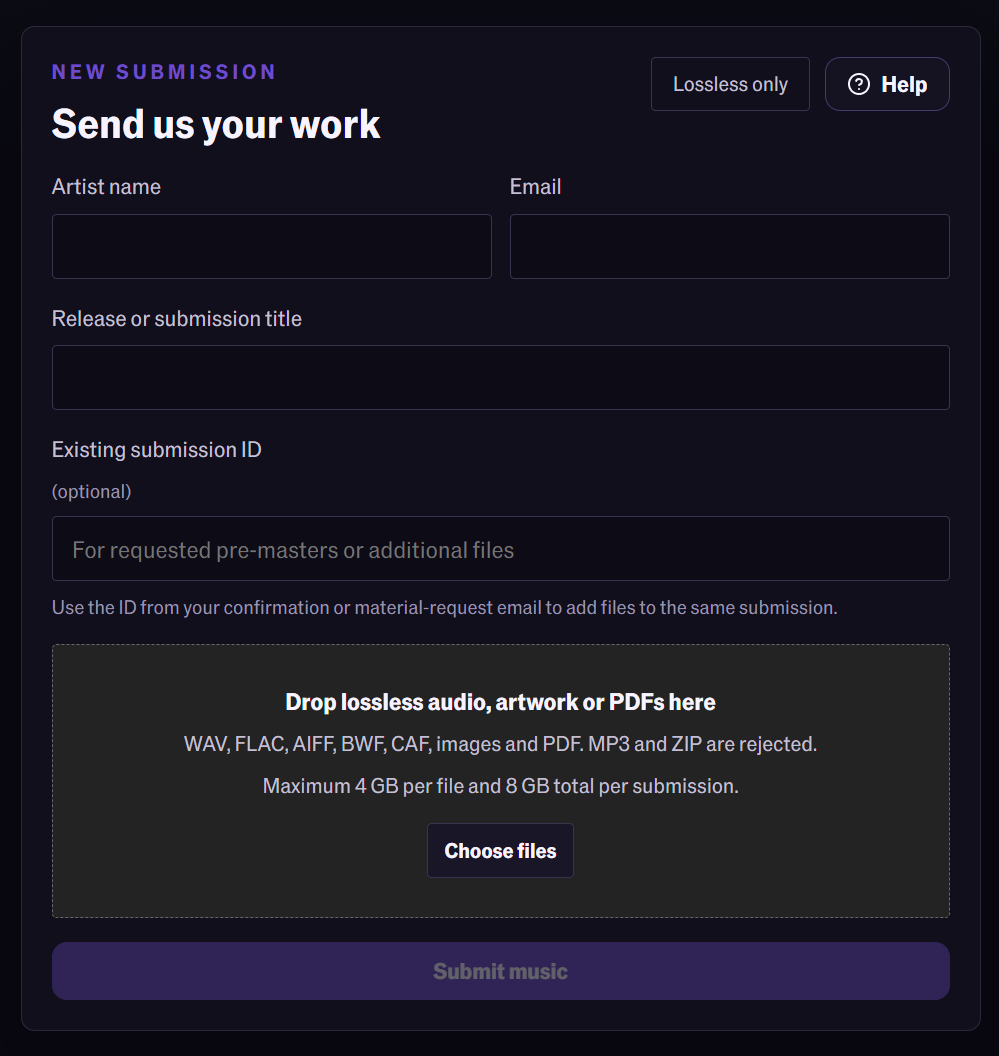
WAV, FLAC, AIFF, BWF and CAF are accepted alongside artwork and PDFs. MP3 and ZIP uploads are rejected.

The upload drop zone, listing WAV, FLAC, AIFF, BWF and CAF and stating that MP3 and ZIP are rejected.

Every decision stays in context

Versions, notes, metadata and delivery work live against the project, rather than scattered through chats, folders and last-minute follow-ups.

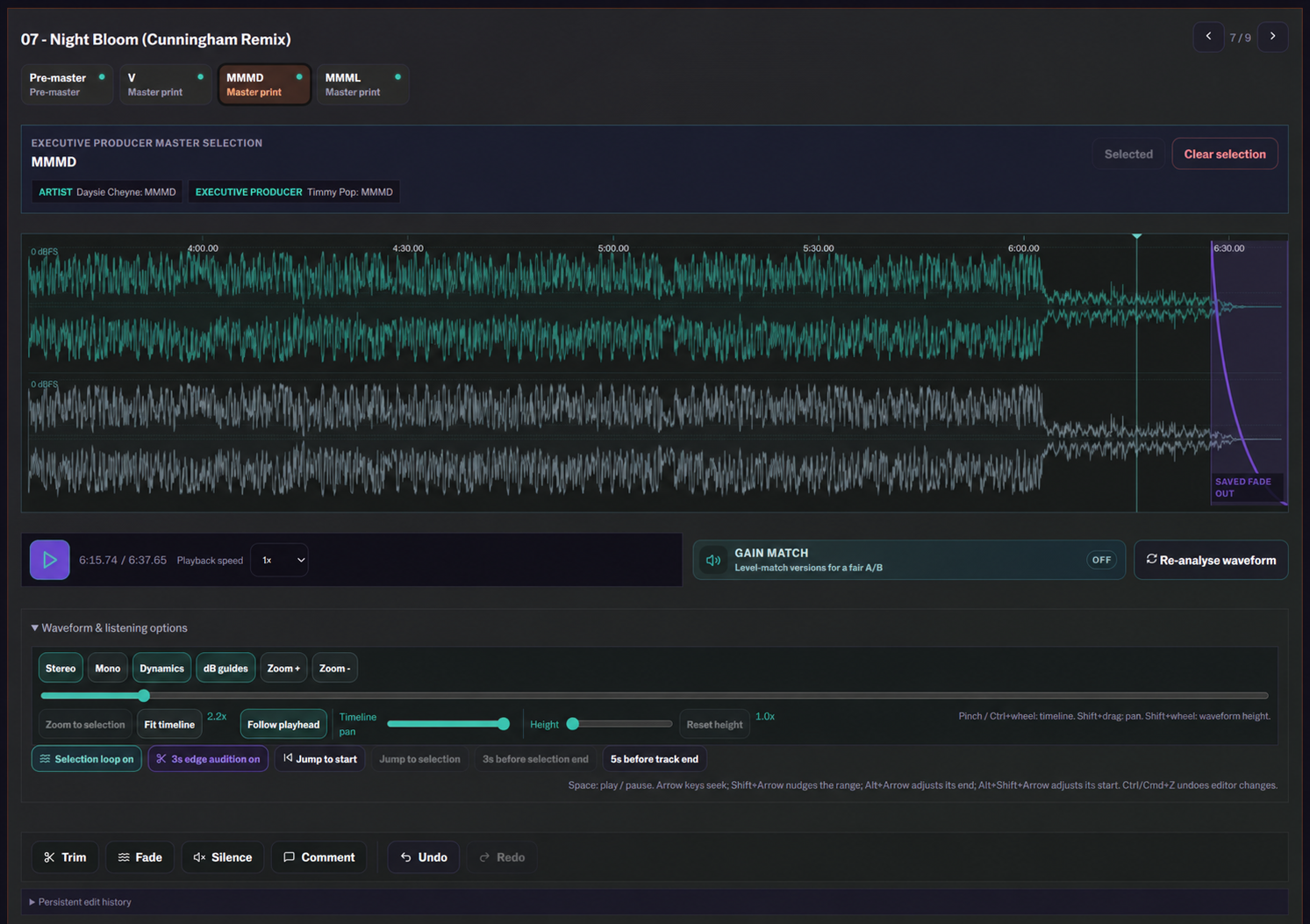
Continuous A/B listening with a comment pinned to 0:46, an executive-producer master selection and the aligned waveform for both versions.

Seven profiles, one shared state

Artist, mastering engineer, A&R, legal, accounting, press and label head. The profile decides which workspaces an account can open at all: a press contact gets the review workspace and little else, a label head gets everything, and each person sees the next action that belongs to them rather than a shared to-do list.

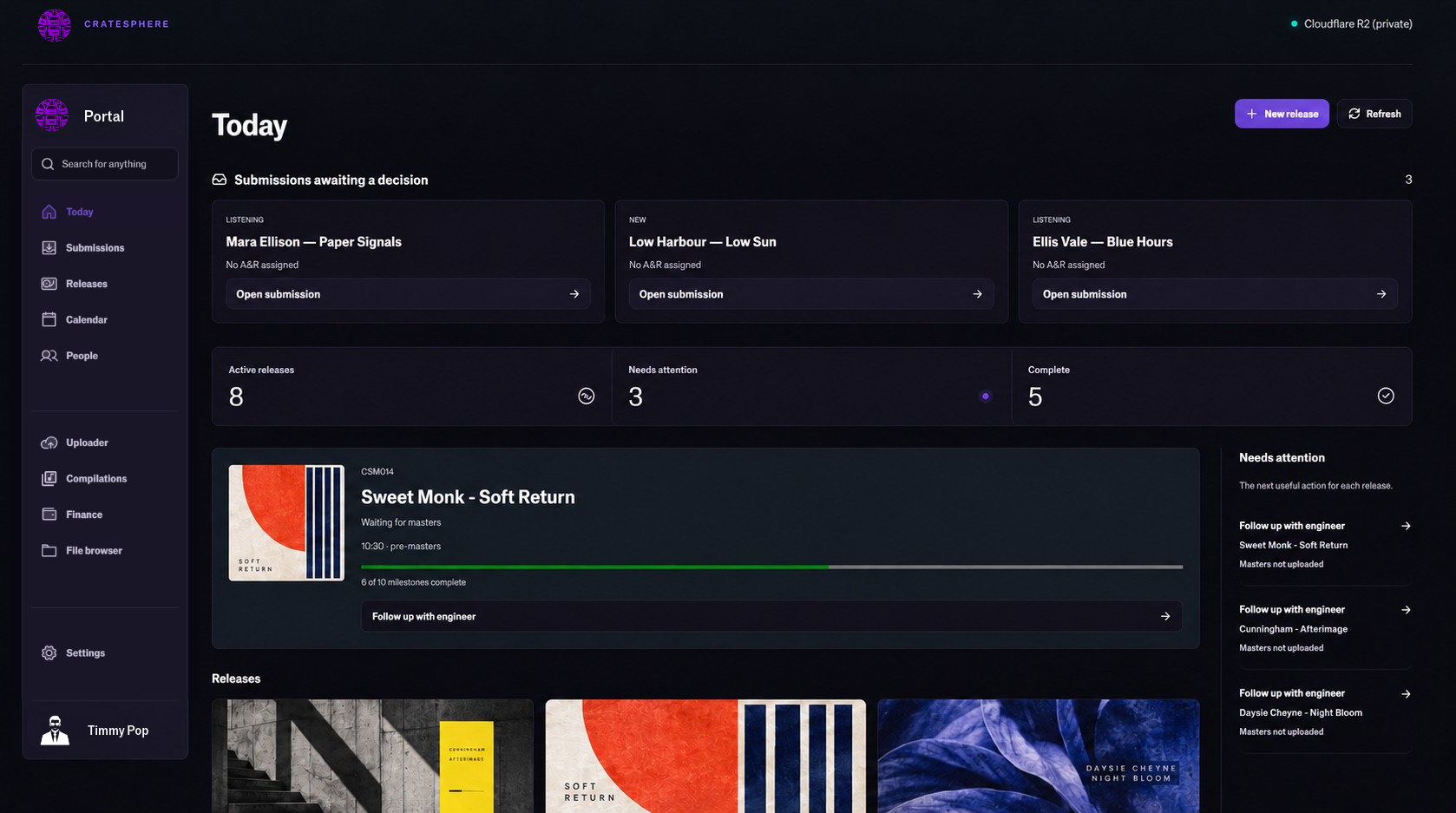
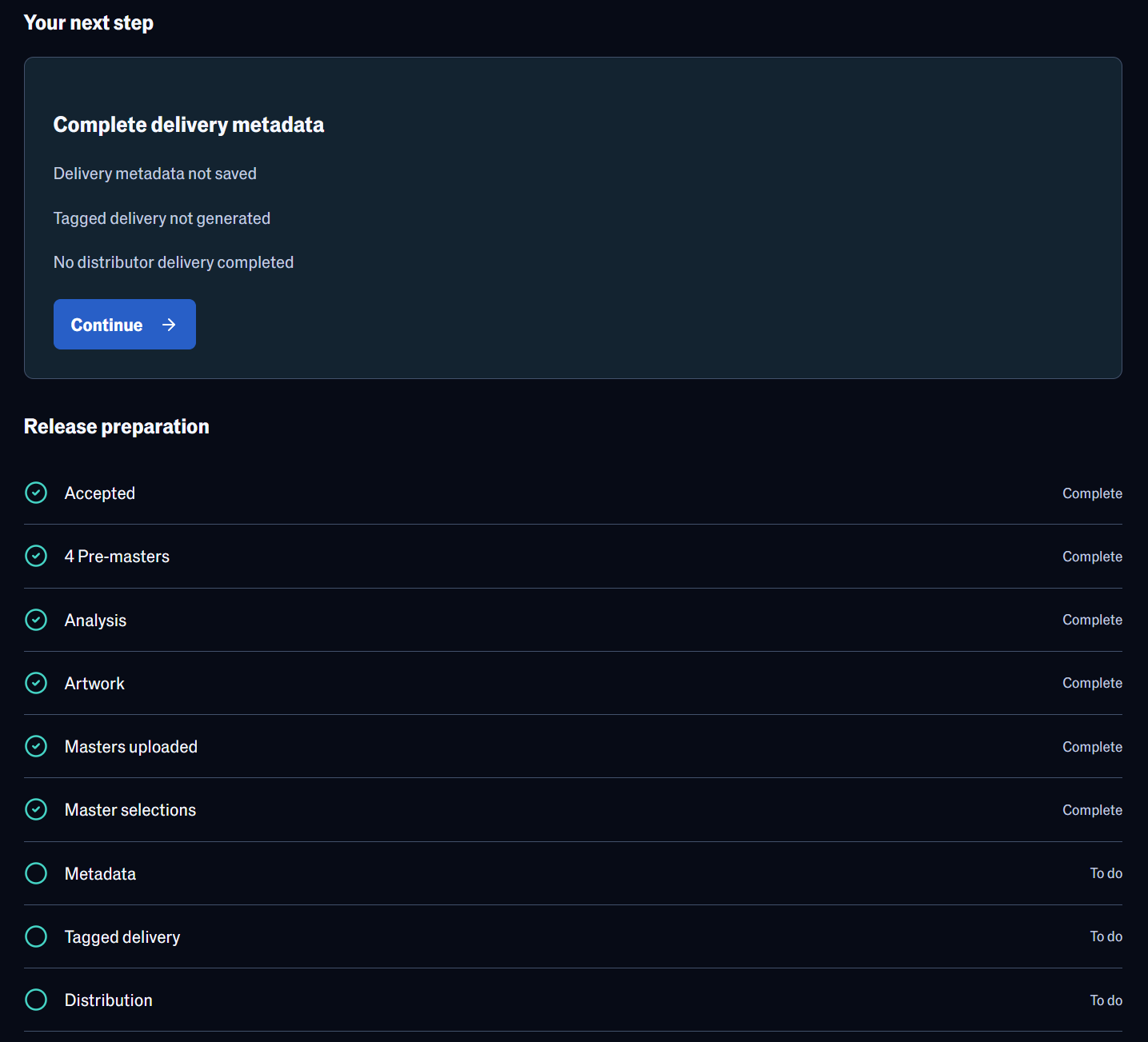
A release cockpit at 50% complete, showing the current step, distributor status and what still blocks delivery.

The release path

The same ten steps, every time.

These are not marketing categories. They are the numbered workspaces a project moves through inside the portal, in the order the product itself puts them. One entry point feeds the sequence.

Entry point

Uploader

The public, label-branded page an artist is sent to. Lossless source audio, artwork and documents only, and everything it accepts lands at step one.

The public submission form, asking for artist name, email and release title before any files are attached.

Outside the path

Cockpit, jobs and settings

A cockpit, background jobs, notifications, settings and your own account sit alongside the sequence rather than inside it.

Portal settings, with the guided label onboarding open beside the branding, email, accounts and maintenance areas.

A project always knows which of the ten steps it is on, how far through it is, and what is blocking it, and every role sees the next action that belongs to them rather than a generic to-do list.

Built from real label work

Artists need freedom.
Your release needs a route.

CrateSphere was shaped by independent-label experience and built for every label that needs a dependable release route. It does not try to make artists behave like an operations team: it funnels the work in the direction your label needs, with one safe submission path, a numbered project state and no ambiguity about what is ready next.

One source of truthfor the files, metadata and decisions that get a release out properly.

Step six: Studio

Everything you need to make the right call.

Studio is where a release is usually won or lost, so it gets the most instrumentation: what arrived, what changed, what is approved and what must happen next. Trim and fade stay previews until a render is deliberately confirmed.

Hear every version properly

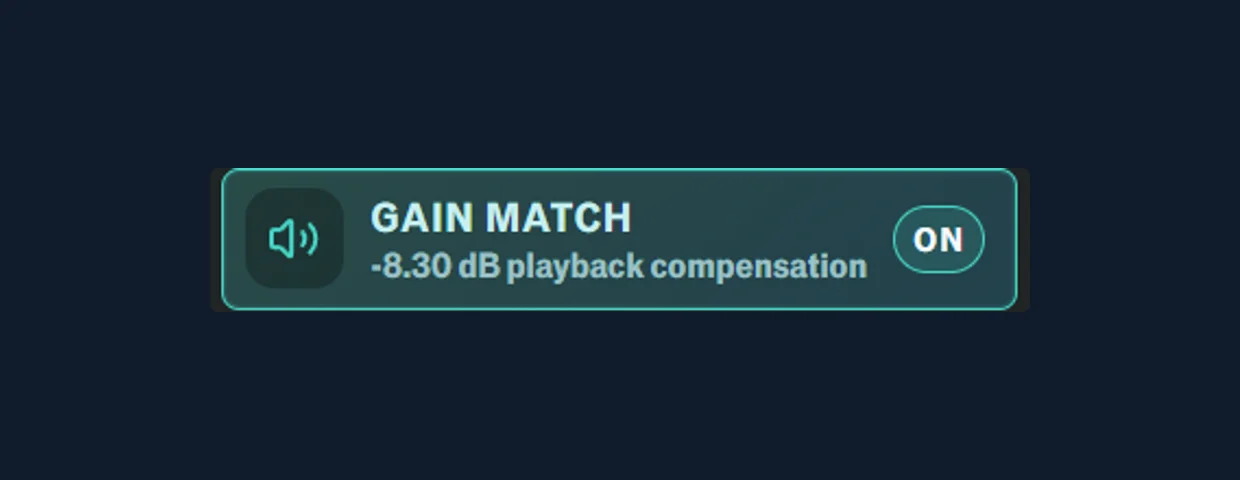
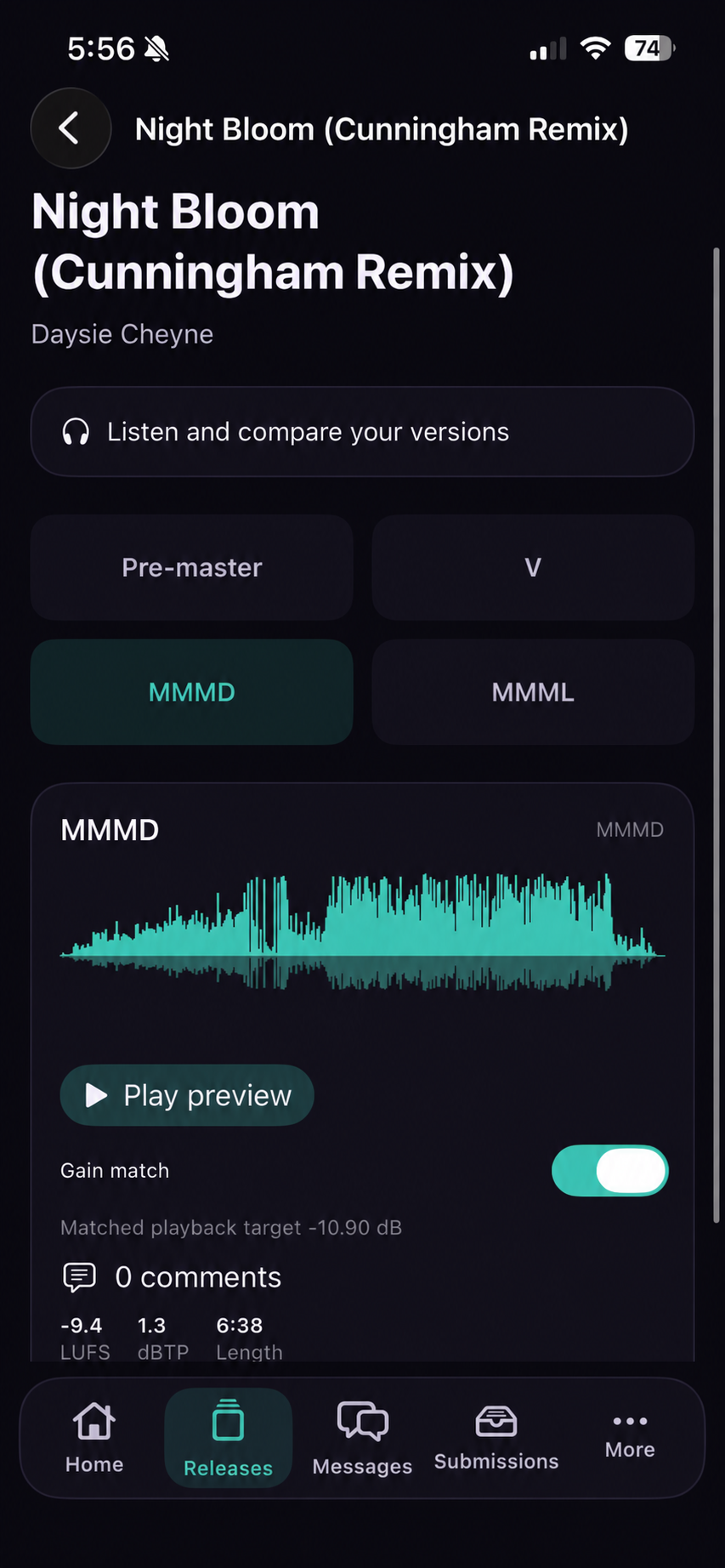
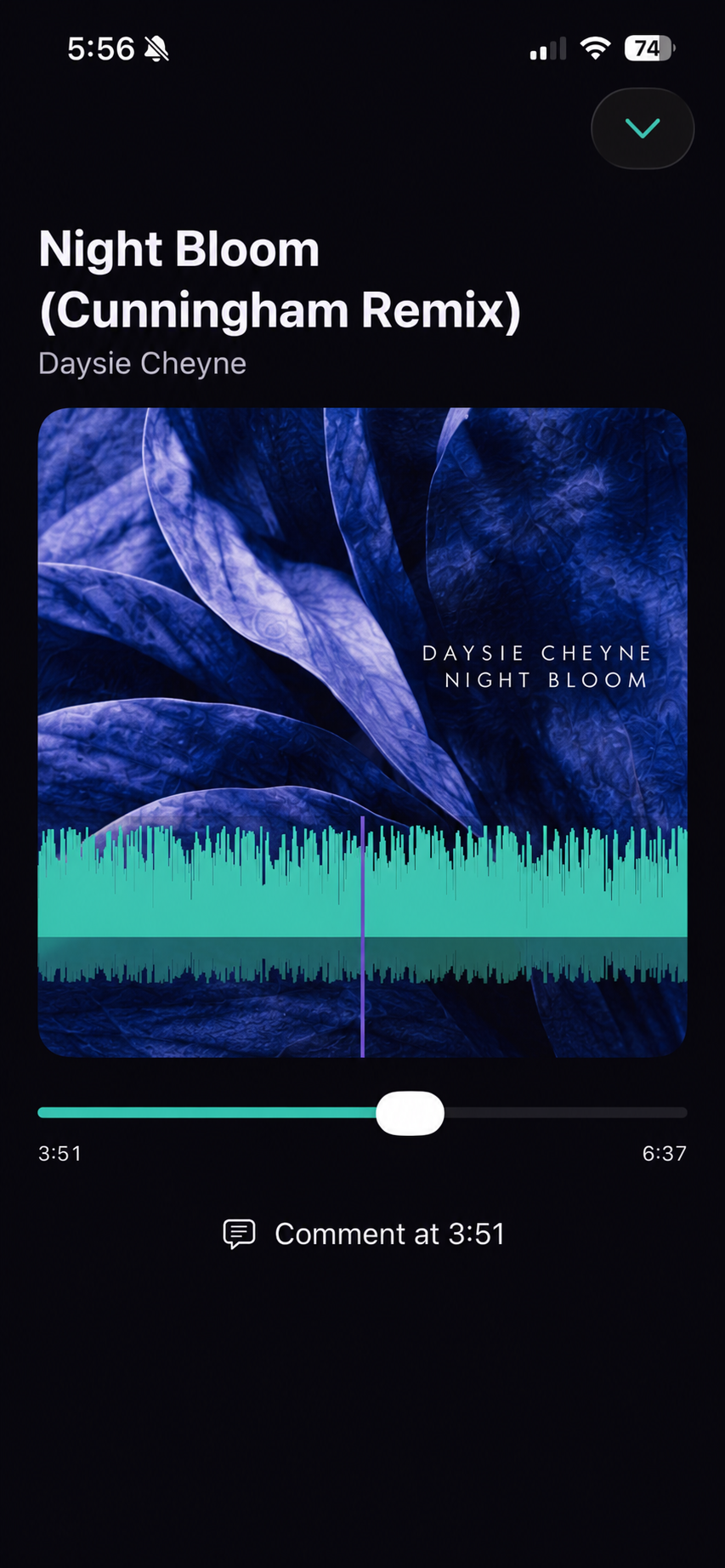
Stack track versions, A/B audition with gain matching, switch between stereo and mono, and comment directly against a point in the audio. Saved trim and fade previews make direction clear before a delivery file is made.

Pre-master and Master version chips side by side, each marked as available.

Actual CrateSphere UI

Read the master at a glance

The CrateSphere aligned master comparison, showing dynamics traces for four master versions above a readout of loudness, peak, phase, source and codec values.
Compare version dynamics across the same musical timeline, then read the loudness, peak, phase, source and codec information underneath.

See whether a source is mono or stereo, how hard it has been mastered and how its dynamics compare with the pre-master before it moves forward.

Sequence without downloads

Generate review playlists and propose track order from a release, an accepted project or a compilation. The listening and sequencing decision stays in the project, not on someone's laptop.

A review playlist built from pre-masters, with four tracks in a running order that can be reordered.

Album loudness, in context

Build a streaming-master preview around the album's average LUFS, with true-peak protection. Source masters stay untouched while you audition release-wide consistency.

A -12.60 LUFS album reference, with the gain each track will receive and which ones are peak-ceiling limited.

Keep people around a release aligned

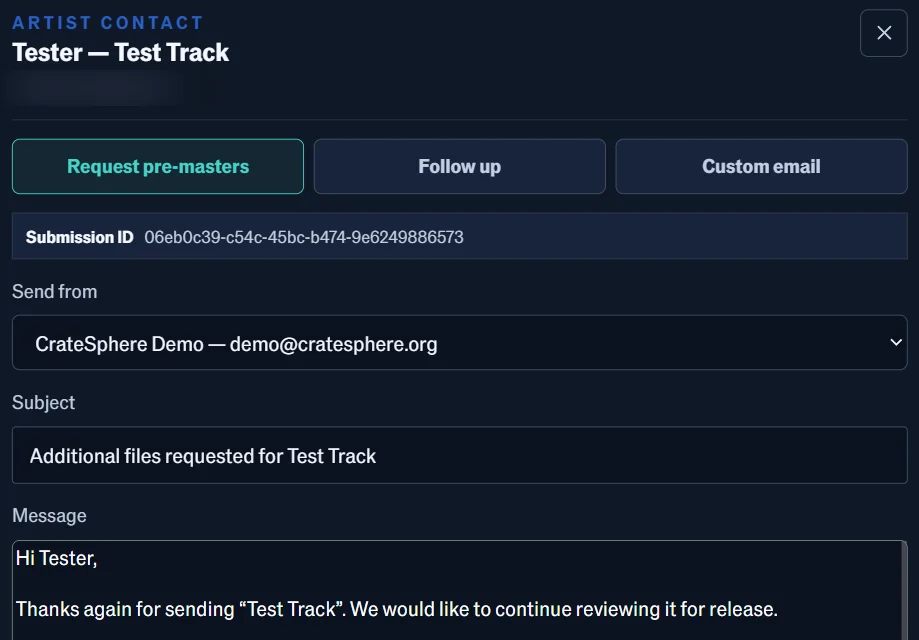
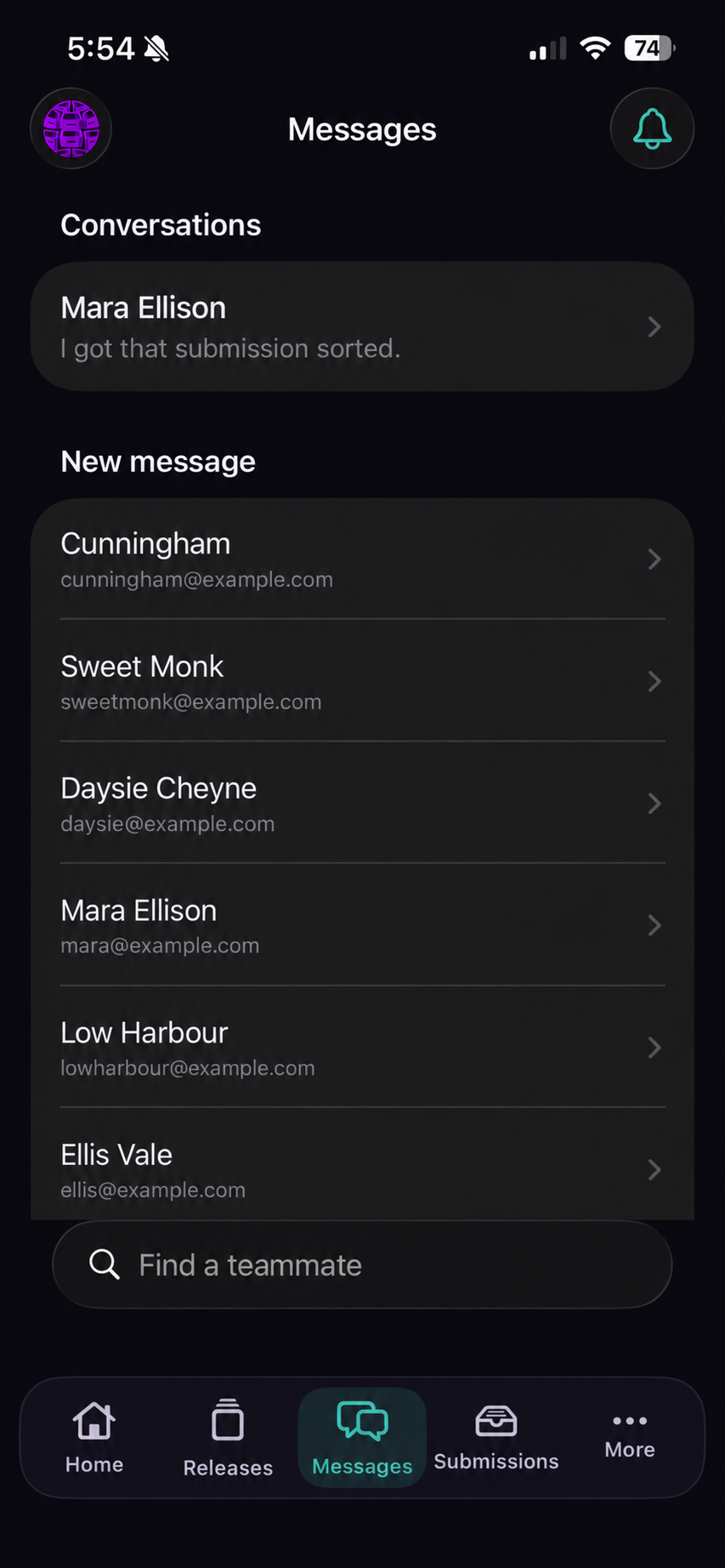
Pre-filled email workflows, persistent notifications and project status help artists know when they can audition masters or artwork, and help the label ask for the next thing it needs without writing it from scratch.

A pre-filled artist email requesting pre-masters, with the sending address, subject and message ready to review.

Make catalogue work operational

Keep reference tracks beside the work, manage canonical catalogue prefixes and numbers, and use electronic agreement workflows with a visible signing status, including back-catalogue confirmations.

Flexible by design

Make the workspace work your way.

CrateSphere keeps the release path consistent without making every label, or every person in the label, work in exactly the same visual environment.

Nine maintained skin packs

Neutral, Graphite, Paper Ledger, Aurora, Midnight, Ember, Verdant, Arctic and Mono. Each carries its own palette and corner radius, from Graphite's 2px console edges to Aurora's 18px panels. Three of them are partly yours: Neutral, Graphite and Paper Ledger take the label's own brand colours for actions and signals, while the other six ship a fixed coordinated palette.

Light or dark. Familiar or focused.

Switch appearance without losing the label's visual language. Every pack ships coordinated light and dark palettes that hold their contrast, rather than leaving users to assemble a theme from scratch.

Navigate the way you scan work

Choose horizontal or vertical navigation for the account experience. In the vertical layout the ten release steps stay numbered down the side, so a project's position is always visible.

Accessibility is an interface setting, not an afterthought

Users can set motion to system, reduced or full; increase contrast and focus cues; enlarge text; and choose compact, comfortable or spacious density. Clear loading states make waiting understandable, too.

Experimental Bandcamp Publisher

Build the Bandcamp draft. Keep the final call.

A paired Windows workstation takes approved tagged delivery audio, artwork, pricing, tracks and metadata into a private Bandcamp album draft. Review it in Bandcamp, save it and publish deliberately yourself.

Publisher workflow
  1. 01Approved Delivery / Tagged files
  2. 02Pair a Windows workstation
  3. 03Private Bandcamp album draft
  4. 04Review, save and publish yourself

Draft-first, deliberately bounded

  • It starts at Bandcamp's + add album flow and fills the release details there.
  • It never clicks save, publish, public or release controls for you.
  • Bandcamp passwords and browser cookies stay out of CrateSphere.
  • The paired workstation connects outward, with no inbound port or remote desktop session.
01

With CrateSphere

Send an approved tagged delivery release to a paired workstation, while its preparation remains part of the same numbered release path.

02

Standalone Publisher, planned

A focused Bandcamp-preparation path is planned for artists and labels who want the workstation publisher without a full CrateSphere installation.

Experimental browser automation. Bandcamp Pro is needed for the multi-track upload flow, and Bandcamp's interface can change, so review every draft before saving.

Ask about the publisher

Security, stated accurately

Control your data.
Know what is protected.

Encrypted credentials, access-controlled workflow.

CrateSphere encrypts provider credentials and connected-service tokens with authenticated AES-256-GCM encryption, protected by a separately stored master key. Passwords are hashed with scrypt.

In a self-hosted installation, catalogue, contact and project data live in the database and storage your label operates. Your hosting environment determines encryption at rest, backups and infrastructure controls, so we do not make a blanket claim that every file is encrypted by CrateSphere.

Two deployment models

Deploy in the way that fits your label.

Start with the model that matches you today. Self-hosting gives you direct control of the environment and operational data; the managed cloud service is planned for those who would rather not run it themselves.

Available for Demo01

Self-hosted

A dedicated CrateSphere installation for one label. You choose the host, retain control of your data and set the surrounding storage and infrastructure protections. Linux VPS management knowledge required.

  • Control your database, files, backups and host-level encryption
  • Use your own storage, application URL and credentials
  • Choose how and when your installation is maintained
Ask for a demo
Planned SaaS model02

Cloud service

The planned CrateSphere Cloud service is a managed, multi-tenant option for labels that want to focus on releases instead of service upkeep. Everything that a self-hosting label gets, but you don't need to be a Linux sys-admin to run it.

  • Tenant isolation and managed security architecture
  • Priority service monitoring, maintenance and upgrades
  • Multi-tenant cloud is not yet live
Join the cloud waitlist
Planned, coming soon03

Artist

The cheapest way in, for an artist releasing their own music on the planned cloud service rather than running a label installation.

  • Your own submissions, masters, metadata and delivery
  • The entry-level price for the cloud service
  • Planned alongside the cloud edition, not yet available
Register interest

The shared, multi-tenant cloud edition is a future product. Its tenant isolation, security controls and managed upgrade model are being built before it is offered as a live service.

See it properly

A walkthrough of the whole thing.

We are inviting a small number of record labels, from independent imprints to established catalogues, to a guided demo of the full version: the real workspaces, on real material, with time to ask what it would take to run your catalogue on it.

Guided walkthroughEvery workspace, nothing hiddenNo commitment

Request a demo

Demos are arranged by email while the programme is small. Tell us about the label and we will find a time.

Useful to include
Label name, roughly how many releases a year, and whether you are looking at self-hosting, the cloud service or the artist tier.
What happens next
A real reply from the person building it, not an autoresponder.
Email us about a demo

Or write to admin@cratesphere.org directly.